Carplay’s Bluetooth does not directly connect to the Bluetooth of the car radio. Once the phone is connected to the Carplay of the device, it can also be connected to the car’s Bluetooth, and sound can be emitted through the car’s speakers.
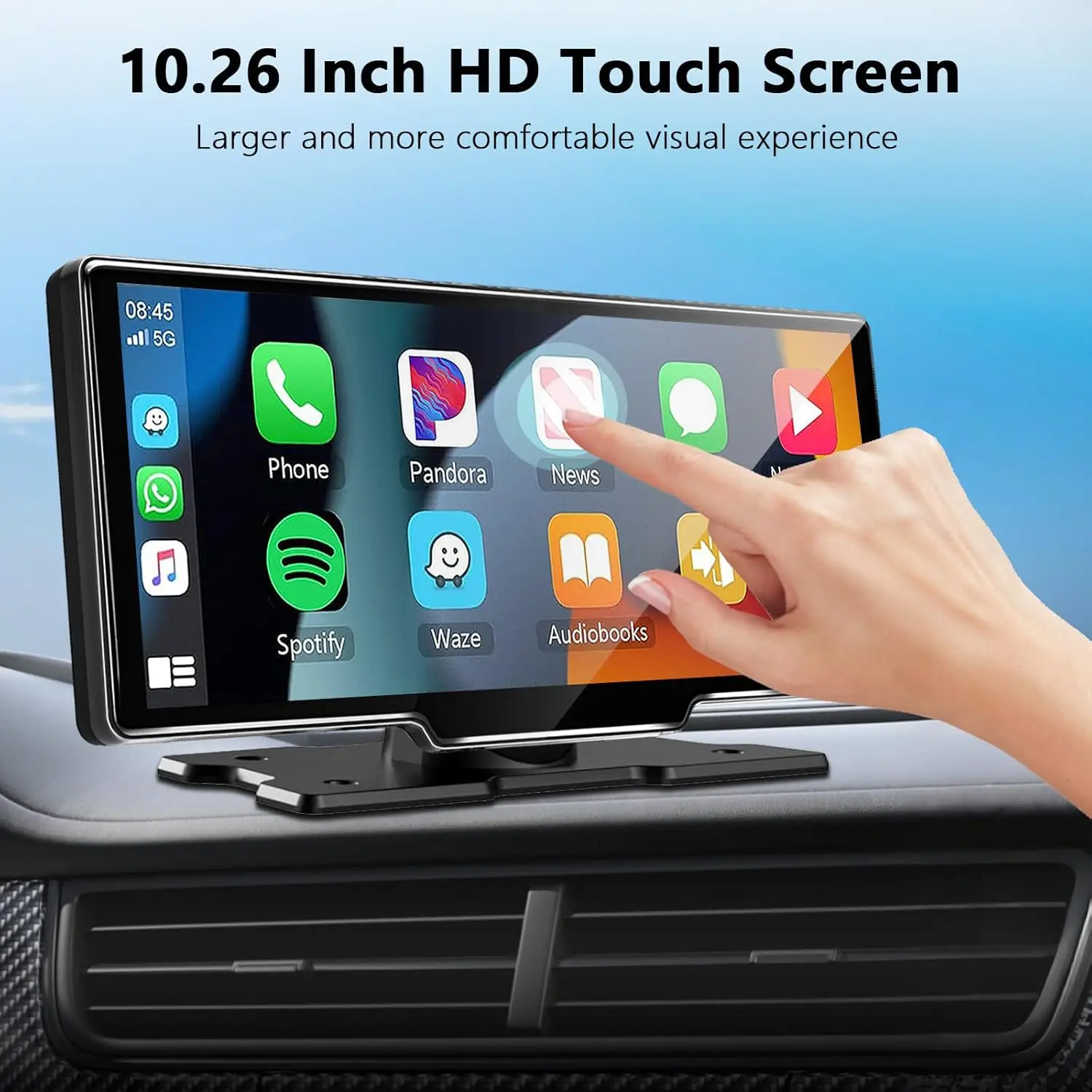
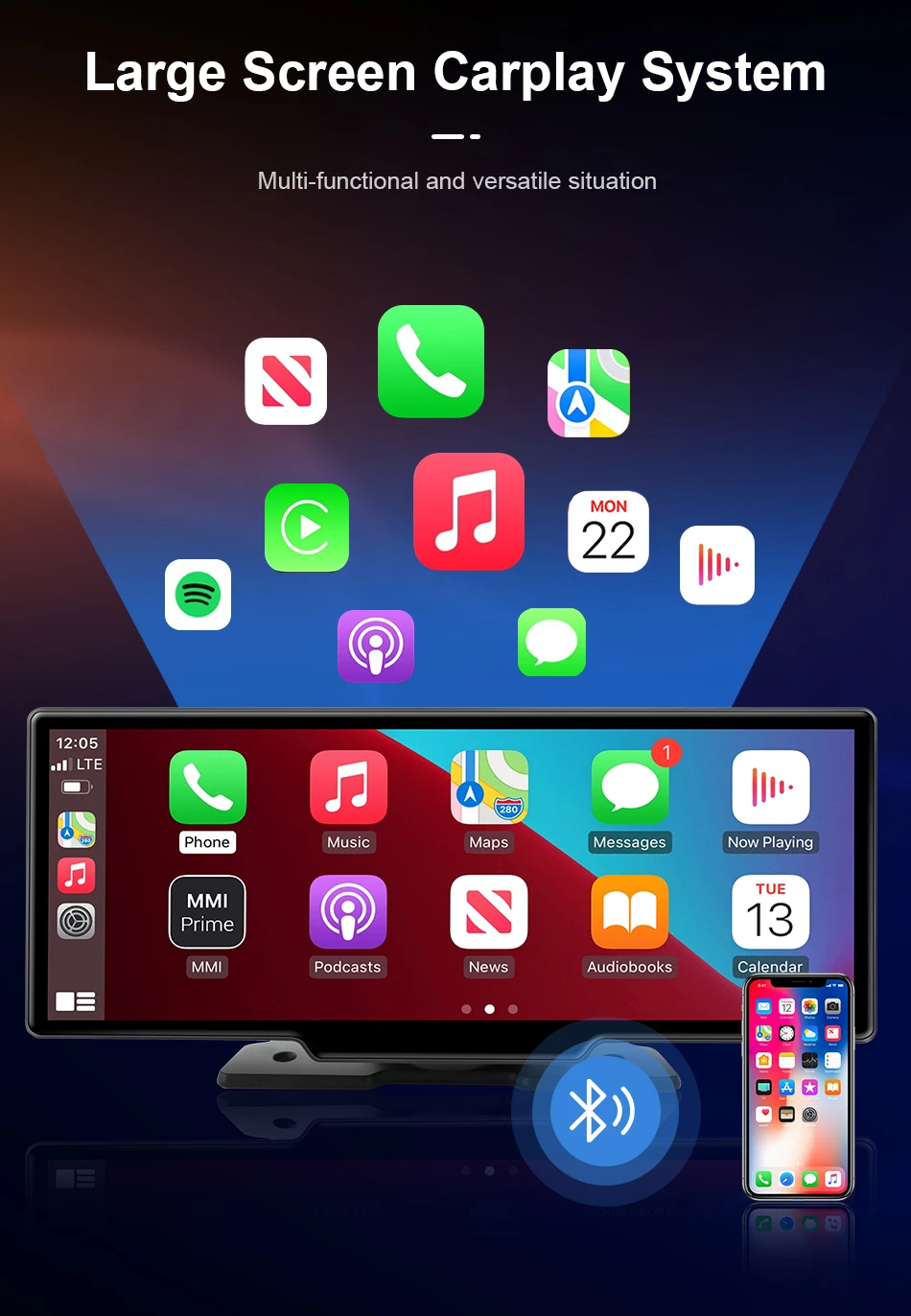
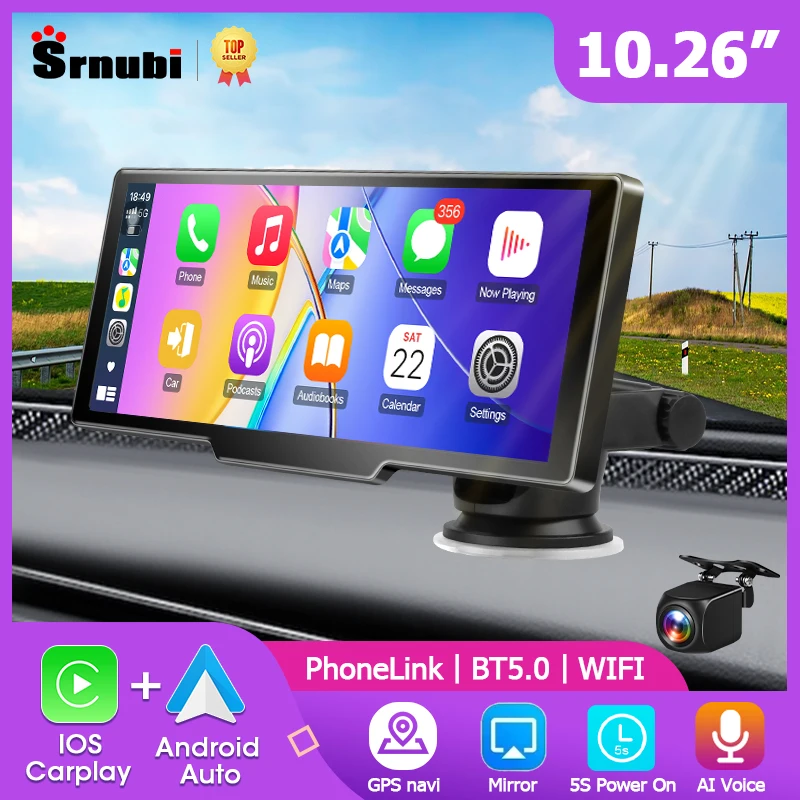
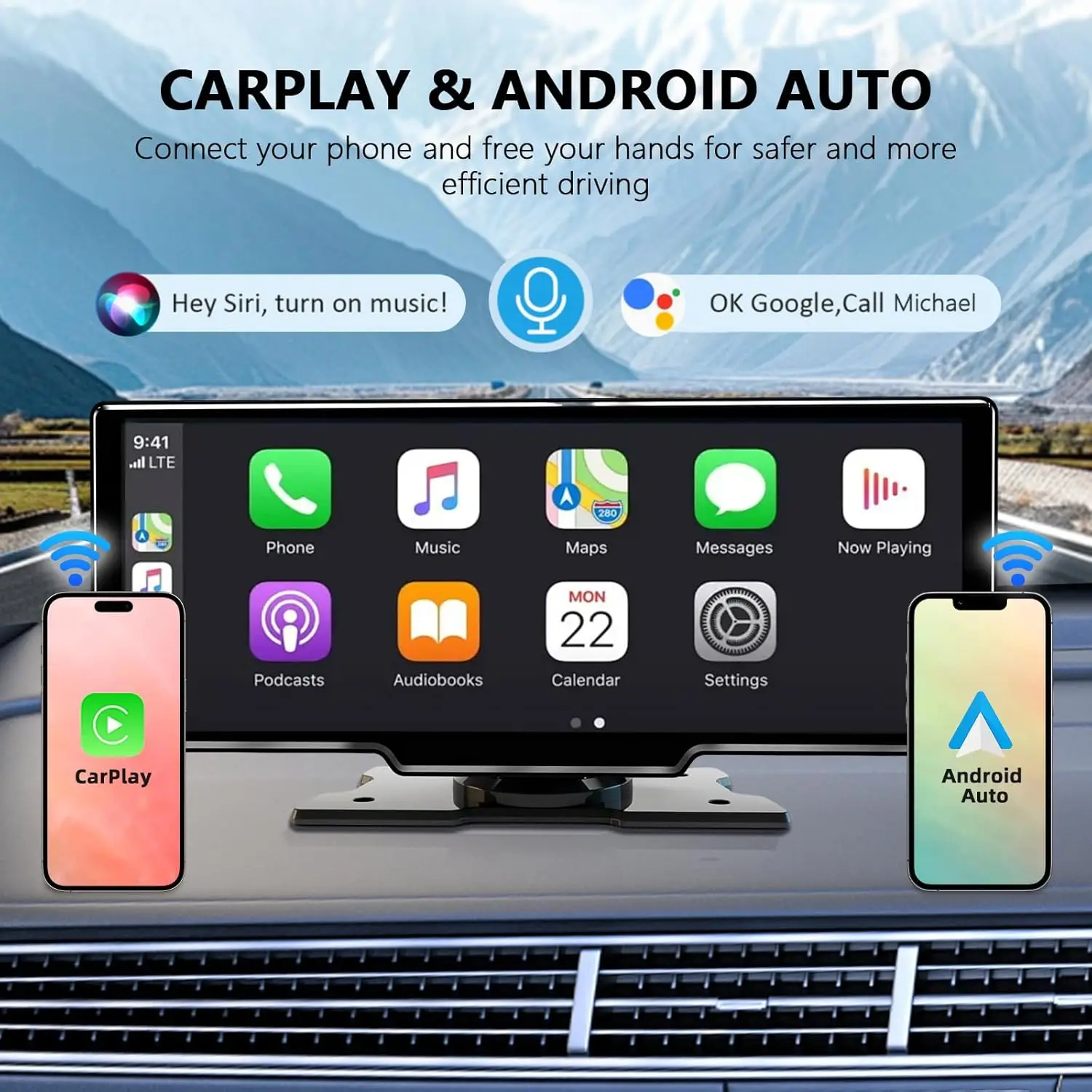
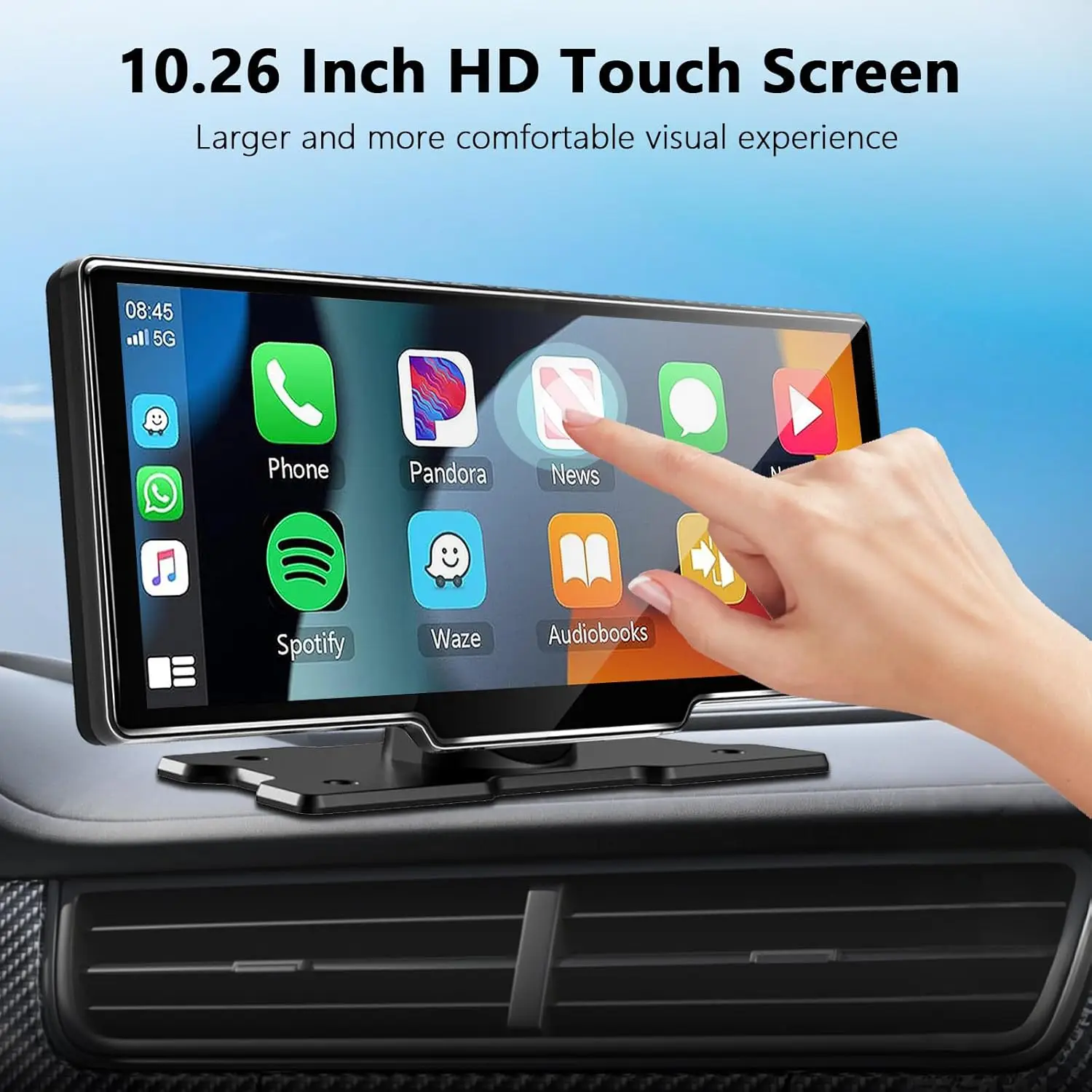
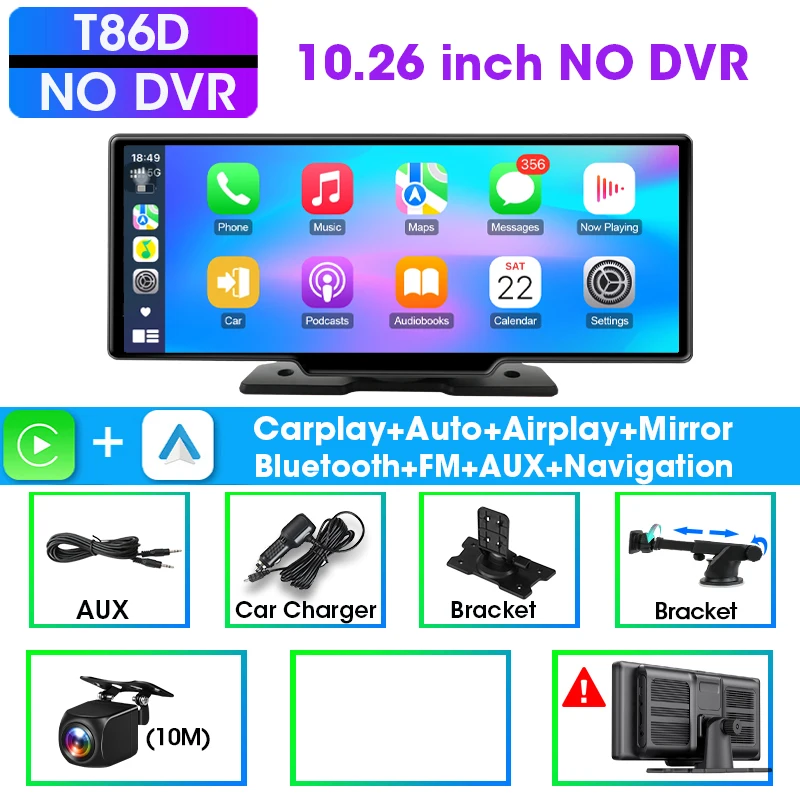
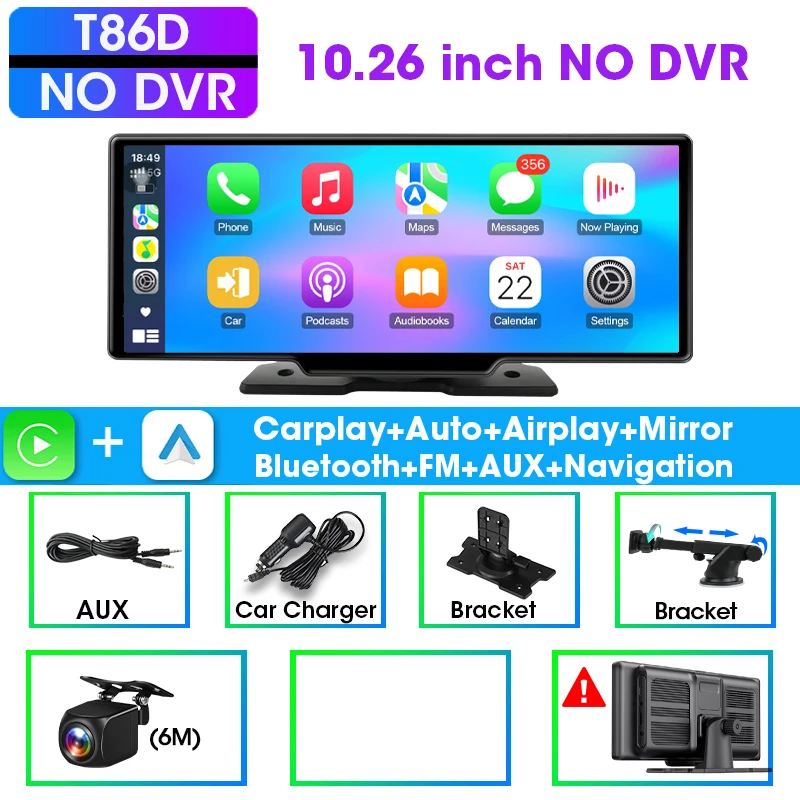
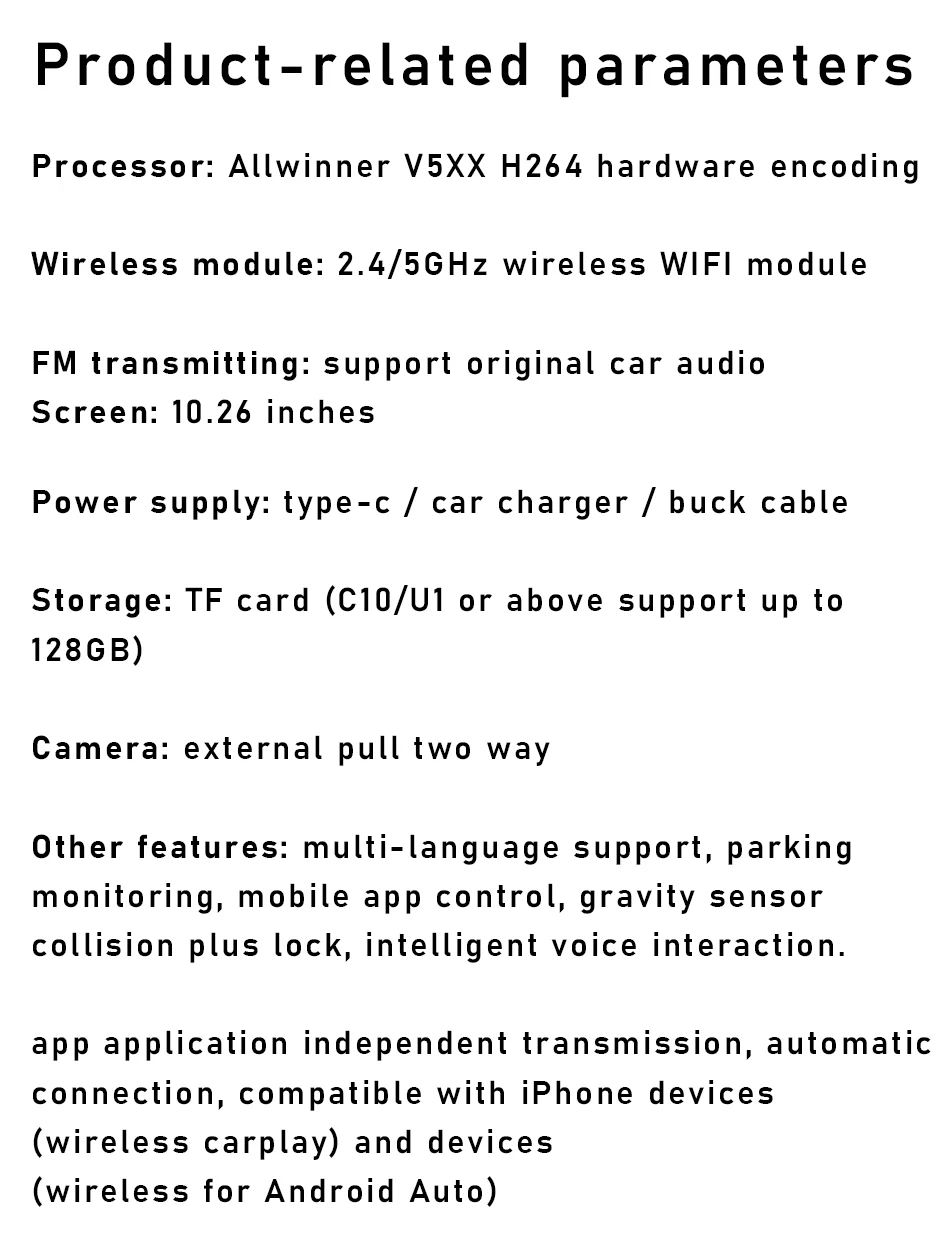
【10.26″ Car Touchscreen & Wireless Carplay】 Portable wireless Android Auto and Car play screen for vehicle, eliminating tangled cables.
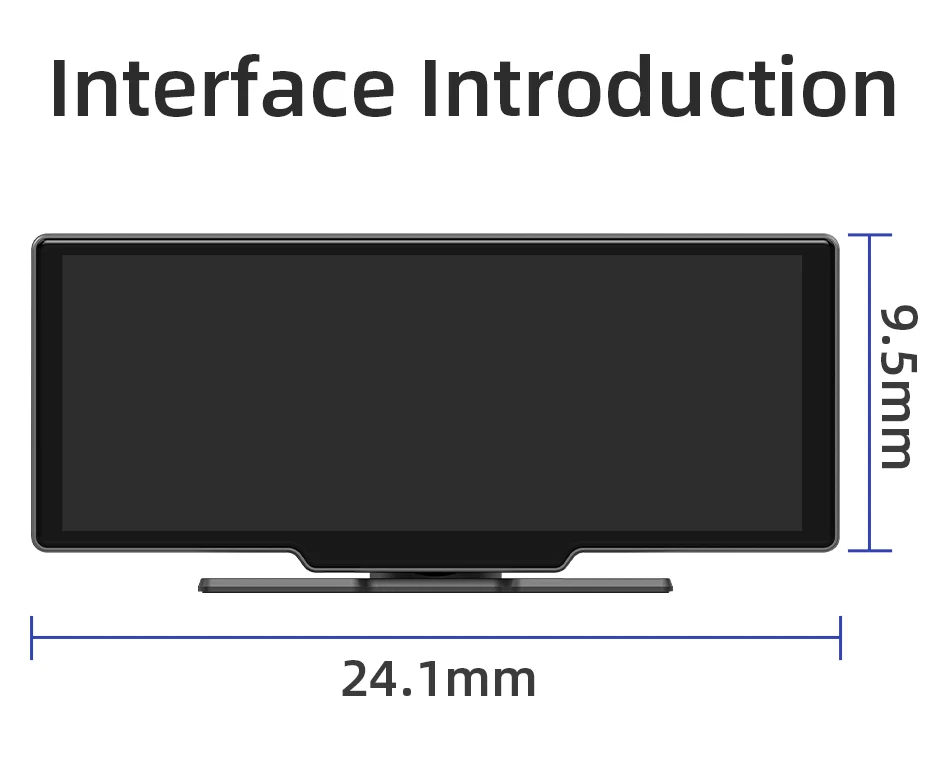
The large 10.26 inch display with wide viewing angles provides crisp visuals and responsive touch controls for an immersive in-car visual experience.
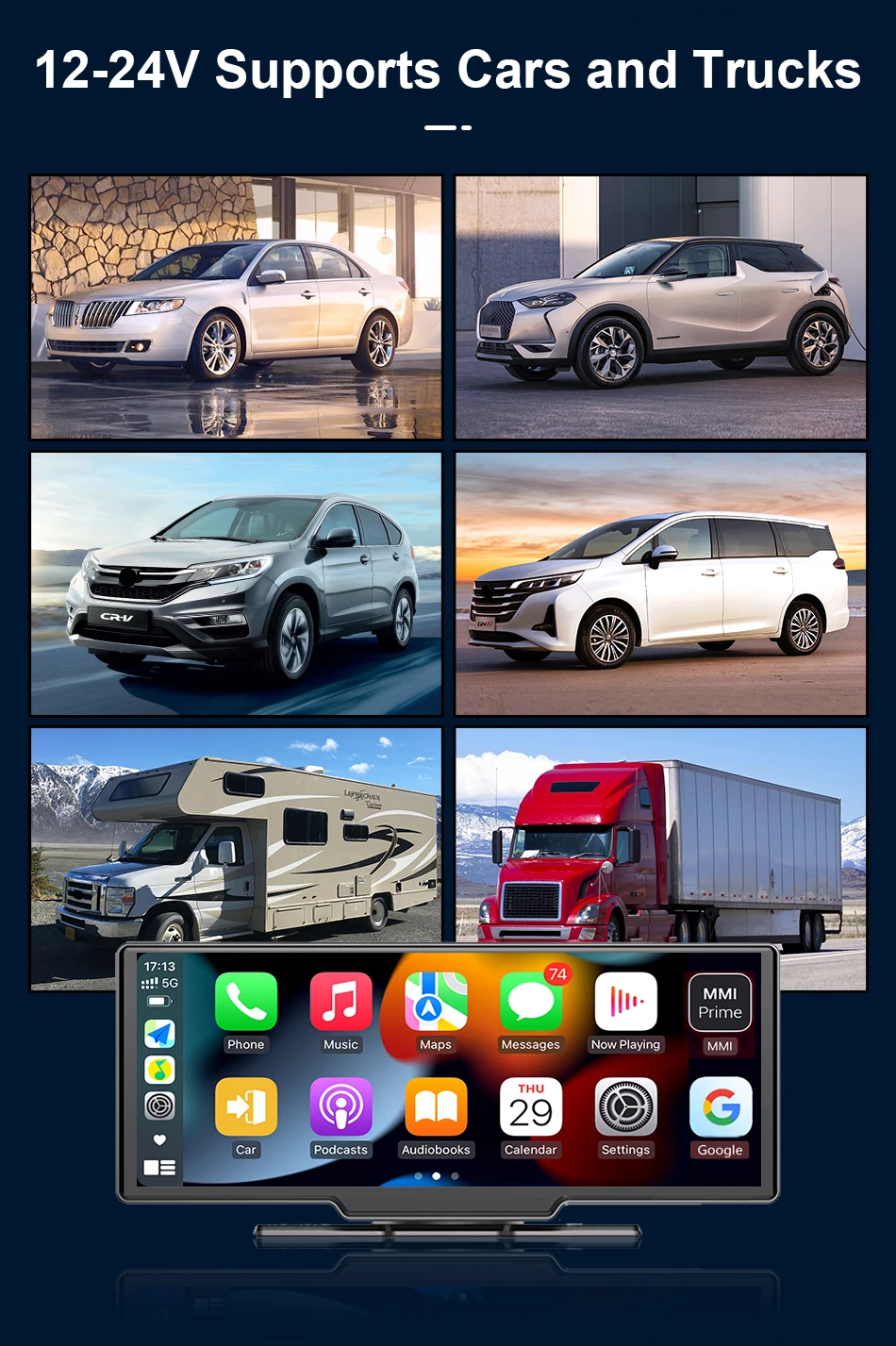
【Universal Compatibility & Easy Setup】 Works with 99% of vehicles (gasoline/diesel models) without removing factory systems. Plug-and-play installation via USB or cigarette lighter power (varies by model).
If you have any questions, please feel free to contact us. Quick installation and professional after-sales support ensure a hassle-free upgrade to smarter driving.
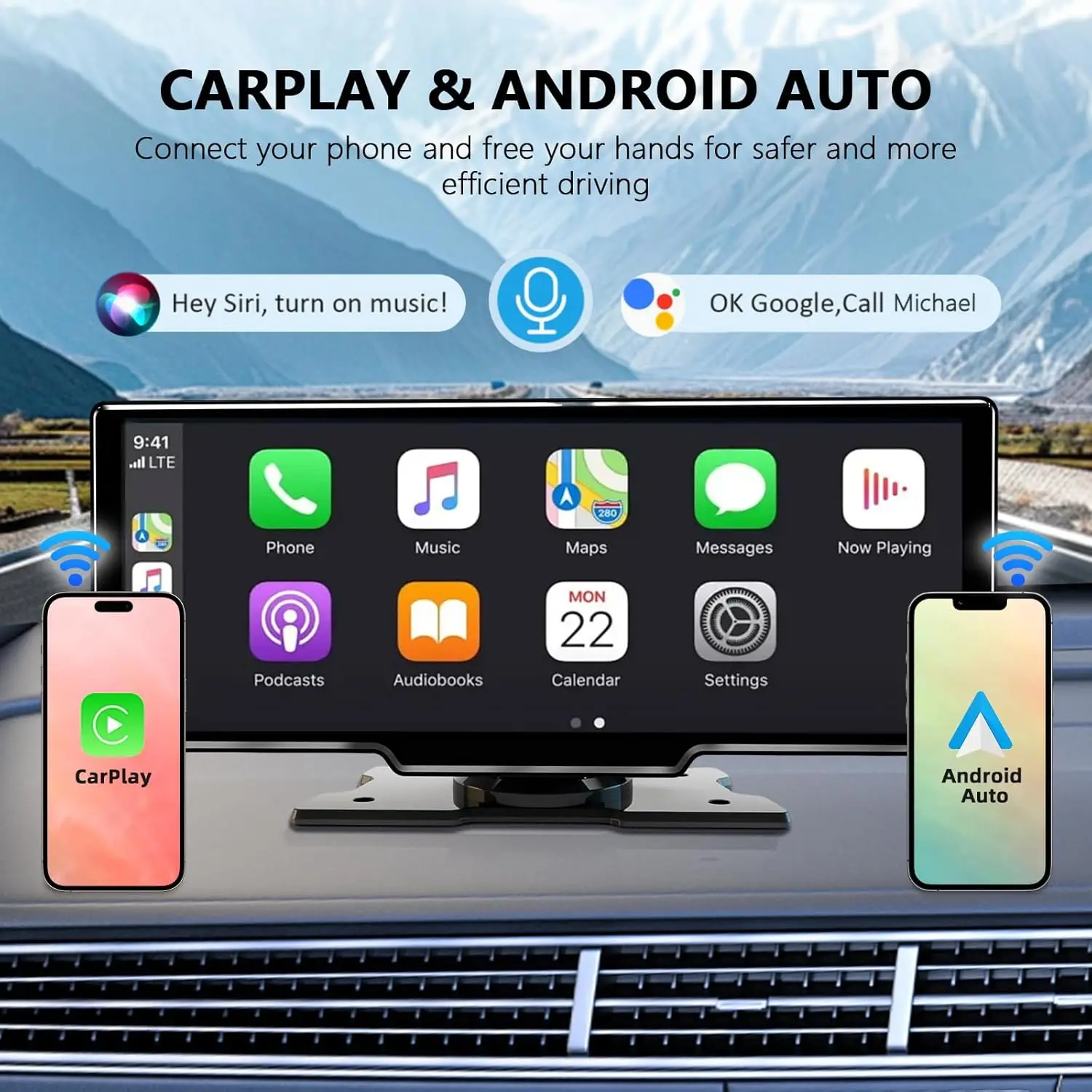
How to connect to Carplay
1. Click the [Apple CarPlay] button to enter the Apple CarPlay interface.
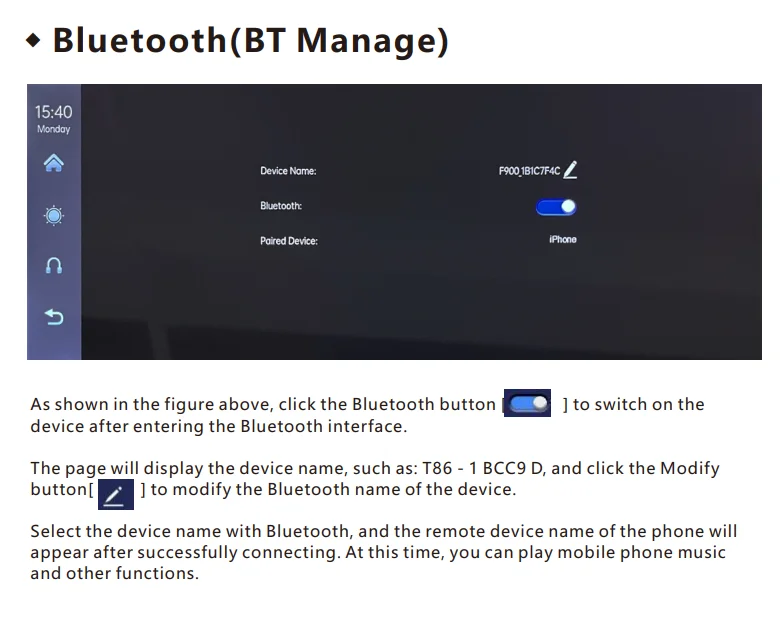
2. First, turn on the Wi-Fi and Bluetooth functions of your phone. Then, according to the picture below, select the [Apple CarPlay] option, click the [Bluetooth Management] option on the interface, connect the Bluetooth to your phone, and the application can be opened.
3. When the machine is powered on and started, it will attempt to automatically connect to the phone it was last connected to.
4. Turn off the Wi-Fi function of your phone to disconnect the connection. Note: The CarPlay function of Apple is only supported for iPhone phones. For Android phones, please select the [Android in-car] option.
How to connect on the iPhone page?
1. Open the iPhone and enter the system settings interface. 2. At this point, the Bluetooth page will be displayed. Find the device name and click to connect to this device 4. After successful pairing, a pop-up interface will appear, click “Use CarPlay for Car” 5. The connection has been fully established.
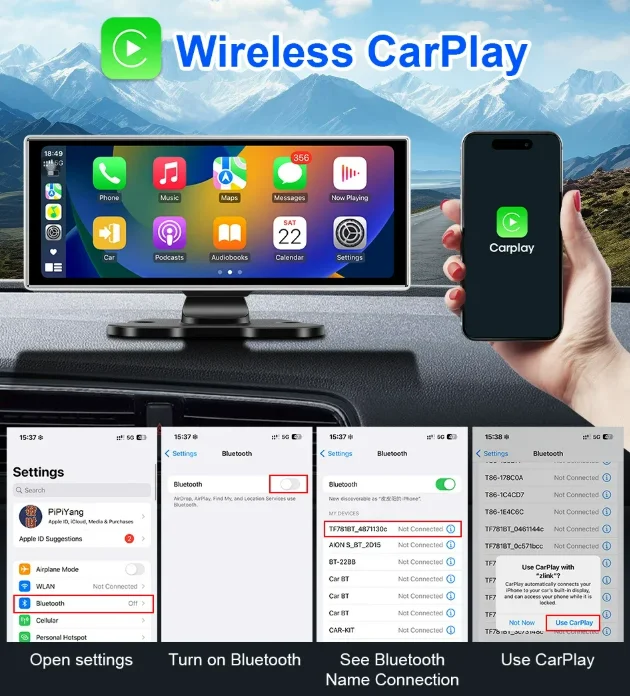
1.
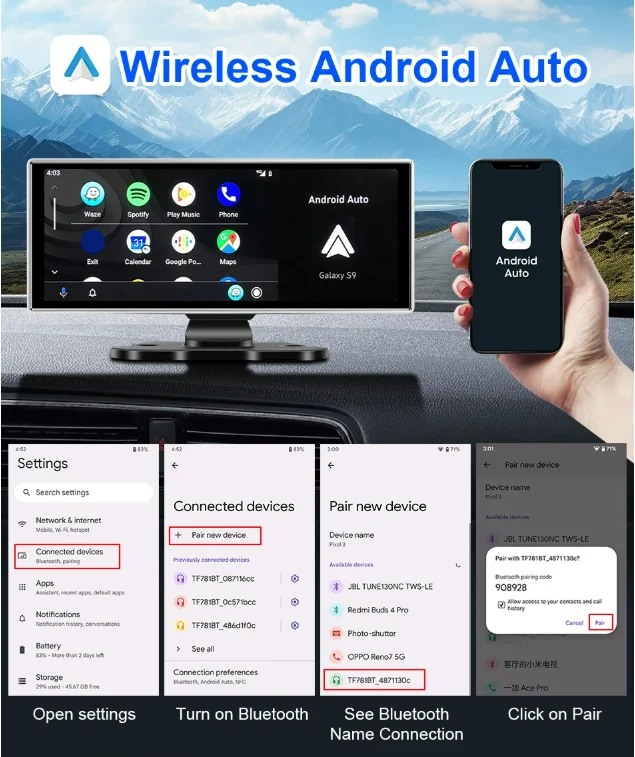
How to connect to Android Auto
1.Click the [Android Auto] button to enter the Android car mode.
2. First, turn on the Wi-Fi and Bluetooth functions of your phone. Then, follow the instructions in the following diagram, select the [Android in-car] option, click the [Bluetooth Management] option on the interface, and connect the Bluetooth to your phone. Then, the application can be opened.
3. When the device is powered on, it will attempt to automatically connect to the phone it was last connected to.
(Disable the Wi-Fi function of your phone to disconnect the connection)
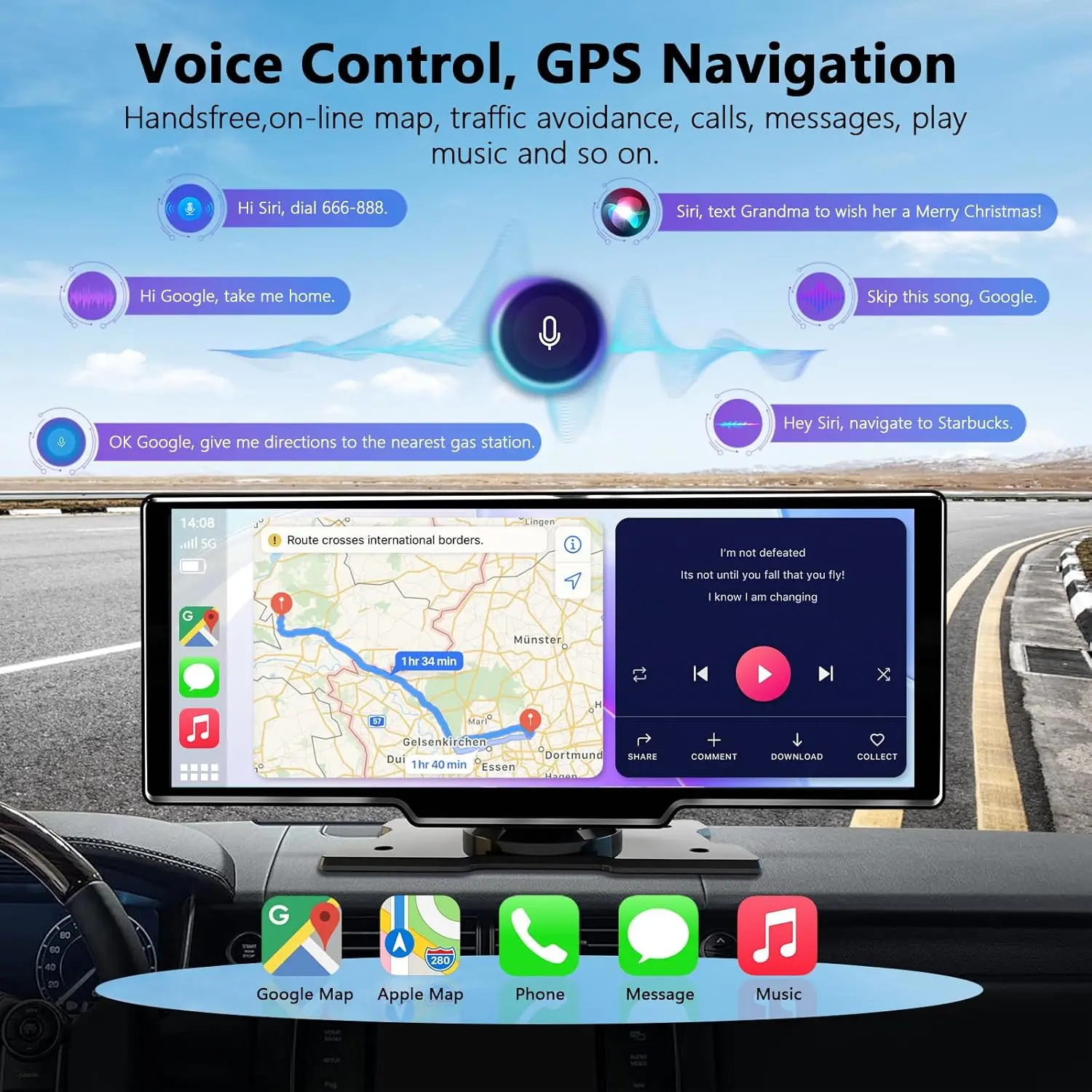
【Voice Control & GPS Navigation for Car】 Hands-free operation via voice commands (Siri/Google Assistant), you can more conveniently answer and make calls,
listen to music and reliable navigation with IOS/Google maps for real-time traffic updates for safer, smarter driving.
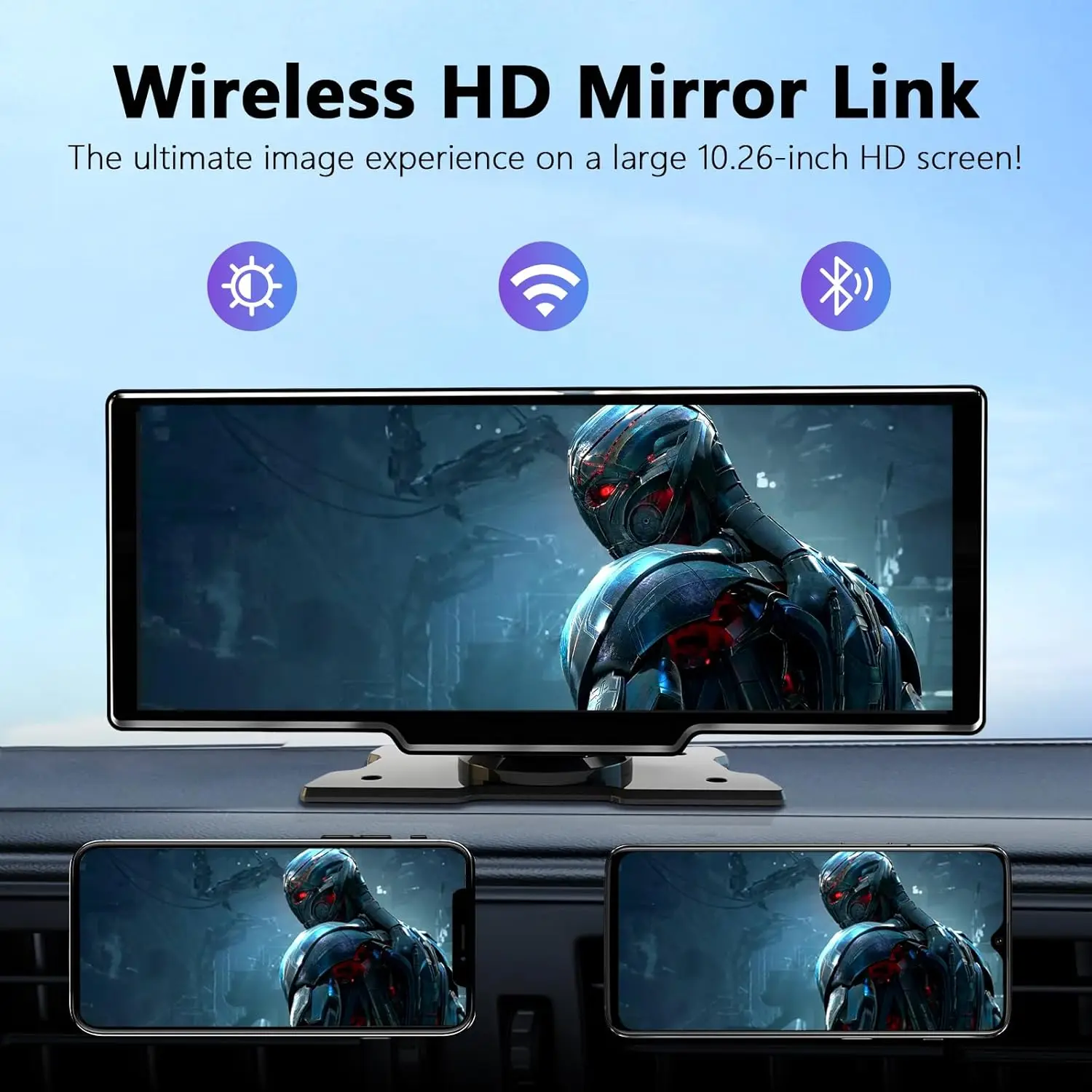
 【Multi-Source Entertainment & Connectivity】 Stream music, podcasts, audiobooks, videos or movies via BT, FM radio, AUX input, Airplay, Android Cast or MirrorLink screen mirroring, transforming your car into an entertainment hub.
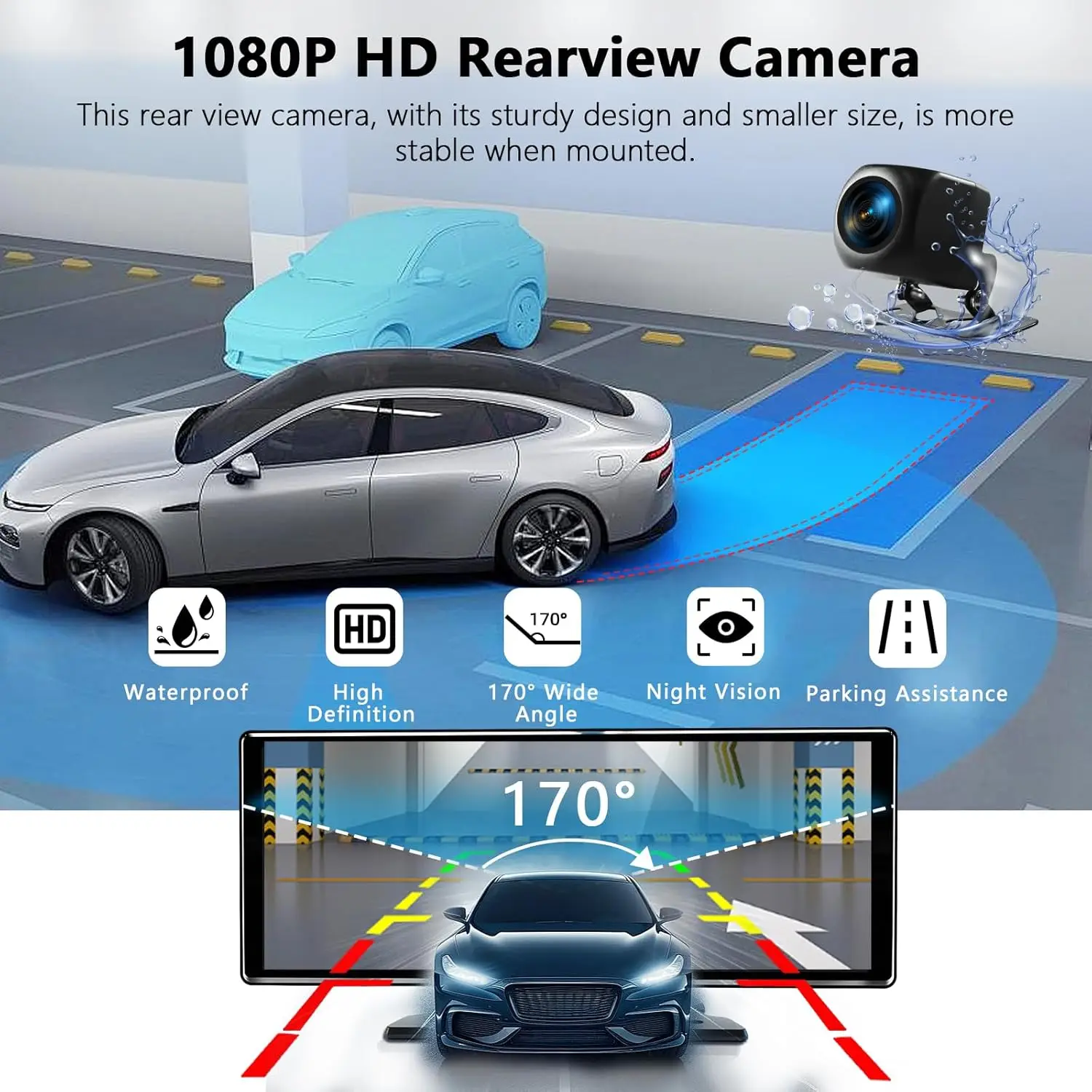
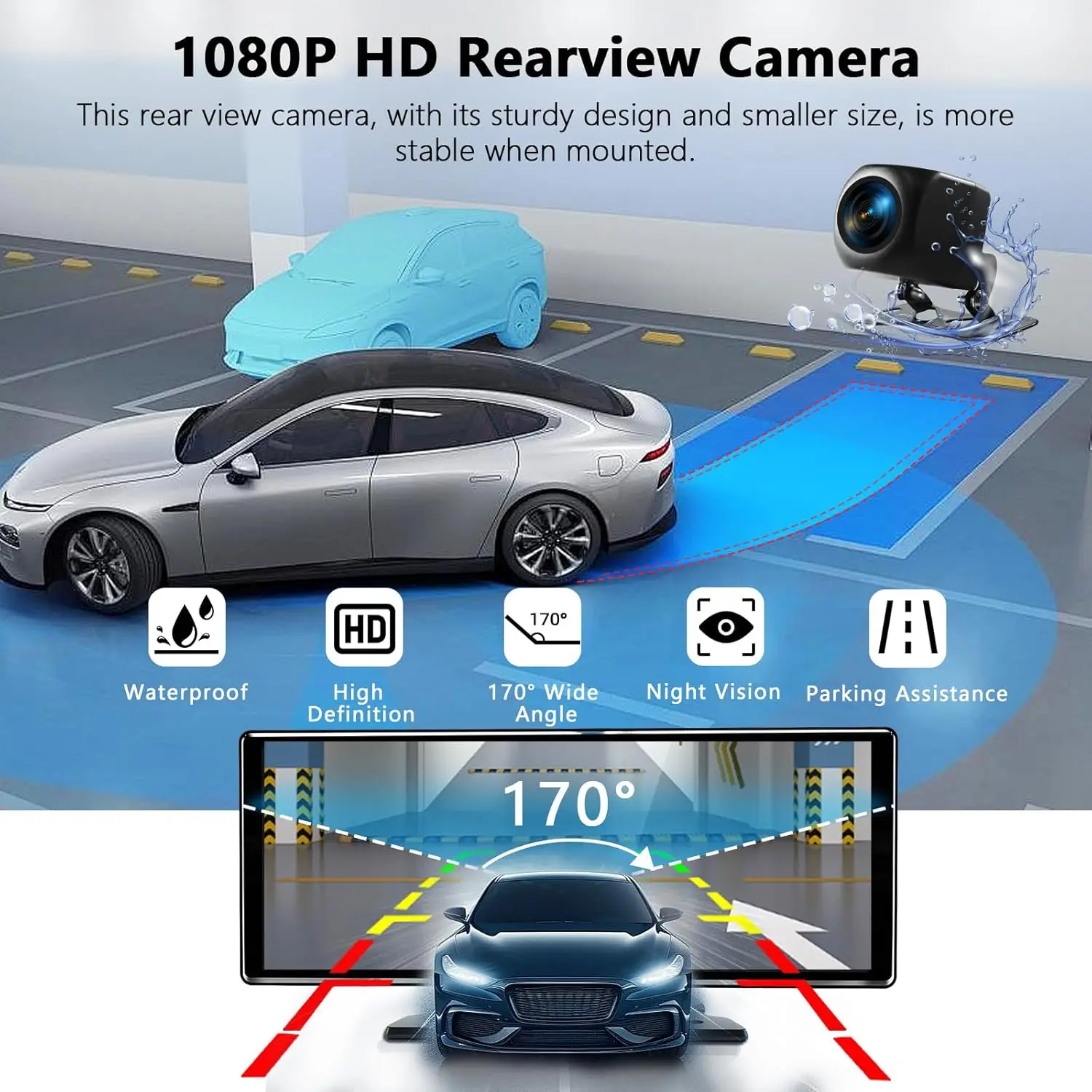
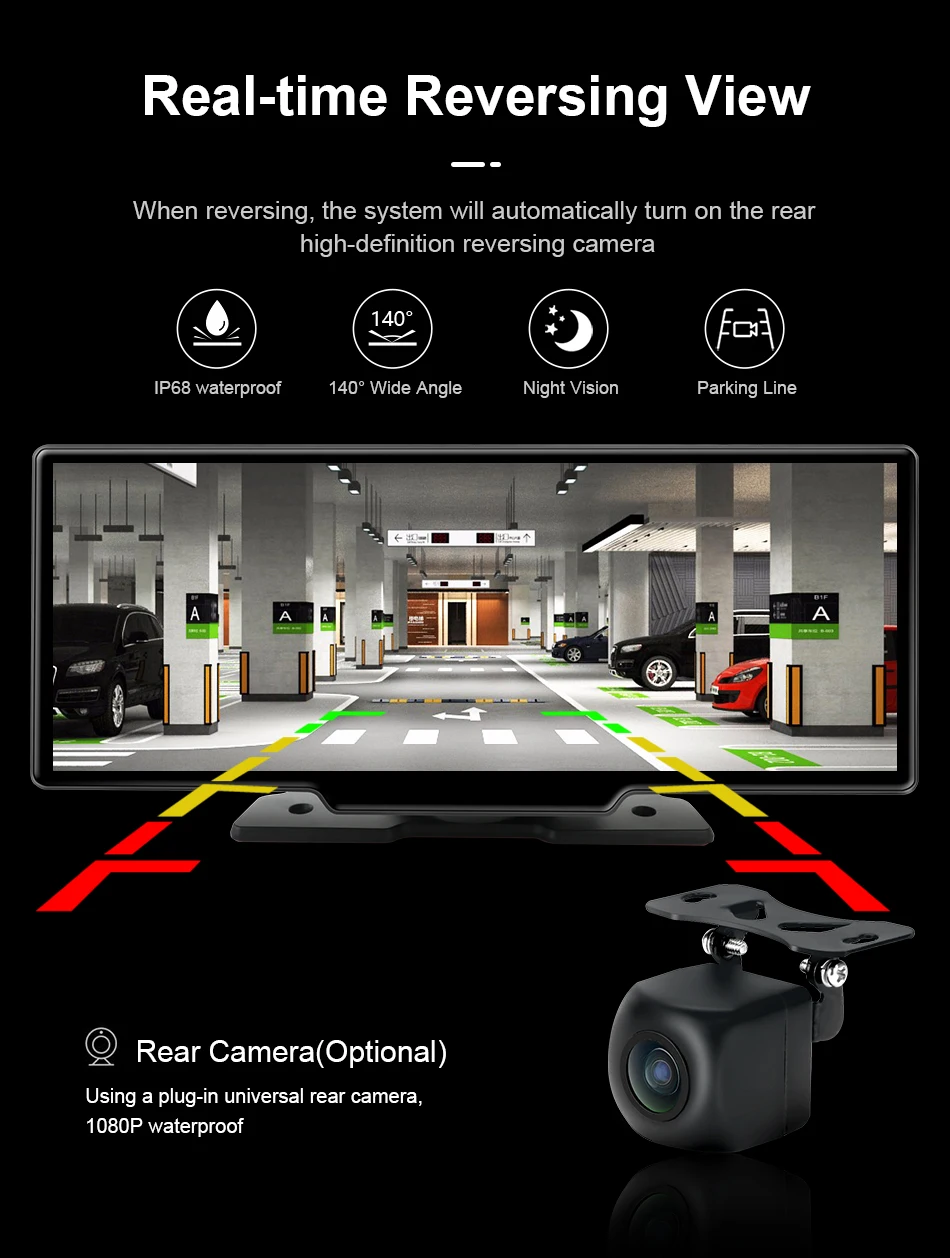
 【1080P HD Reverse Camera for Car】 Equipped with a 170° ultra-clear wide-angle rear view camera and dynamic parking guidelines, powerful night vision and IP65 waterproof, ensuring crisp visibility day or night while minimizing blind spots.
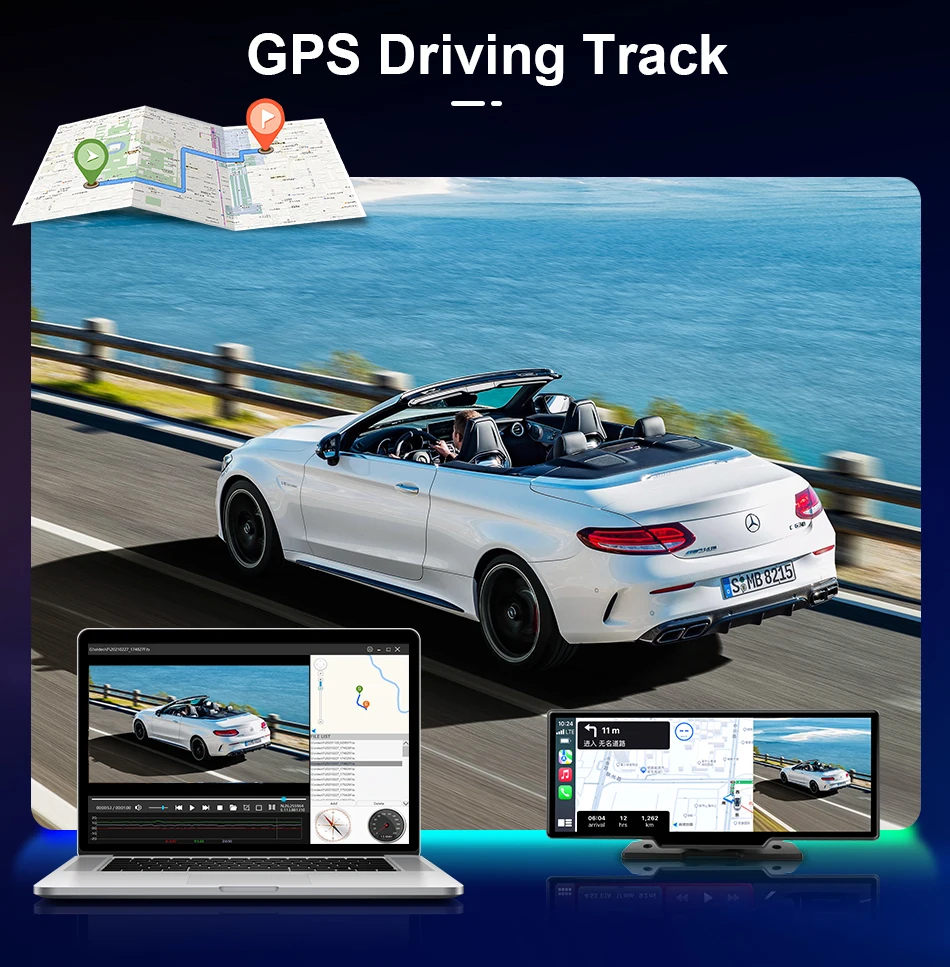
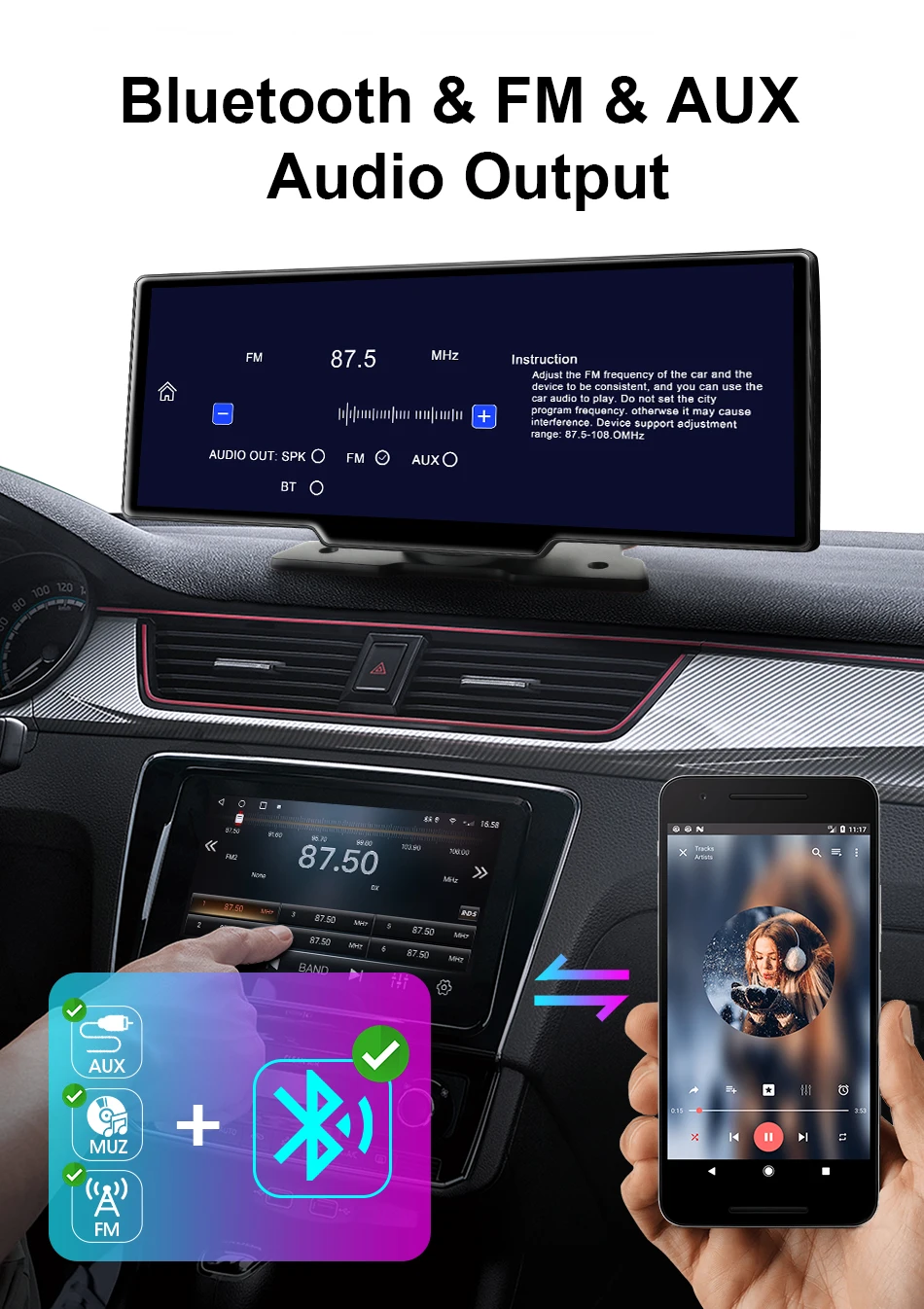
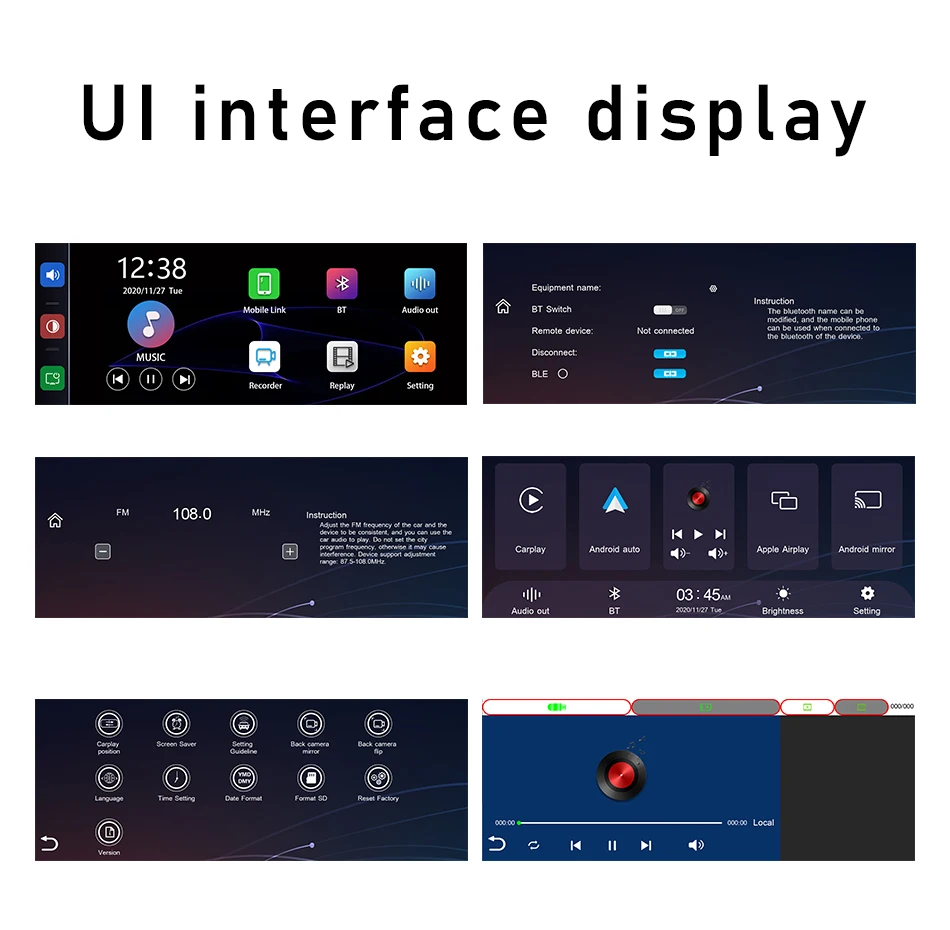
Audio Output: Four audio modes are available for your selection (Speaker Mode, Carplay/Auto Mode, FM Radio Mode, AUX Mode). Speaker audio output
Speaker audio output; CarPlay/Car Connectivity: Please use your mobile phone to connect to the original car Bluetooth; AUX: Audio is output via AUX, and the volume can be adjusted in the car; FM: Connect to the FM transmitter to achieve wireless transmission on the same channel as your FM radio.
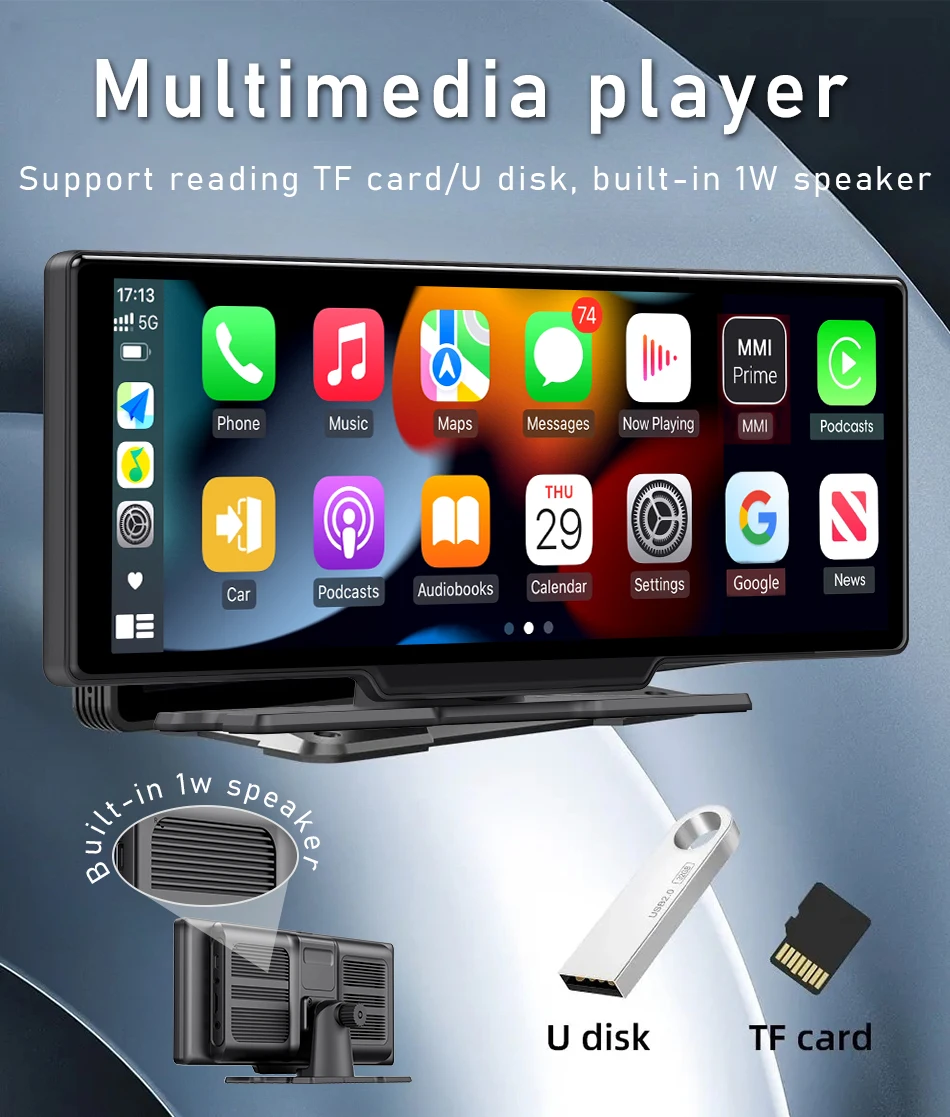
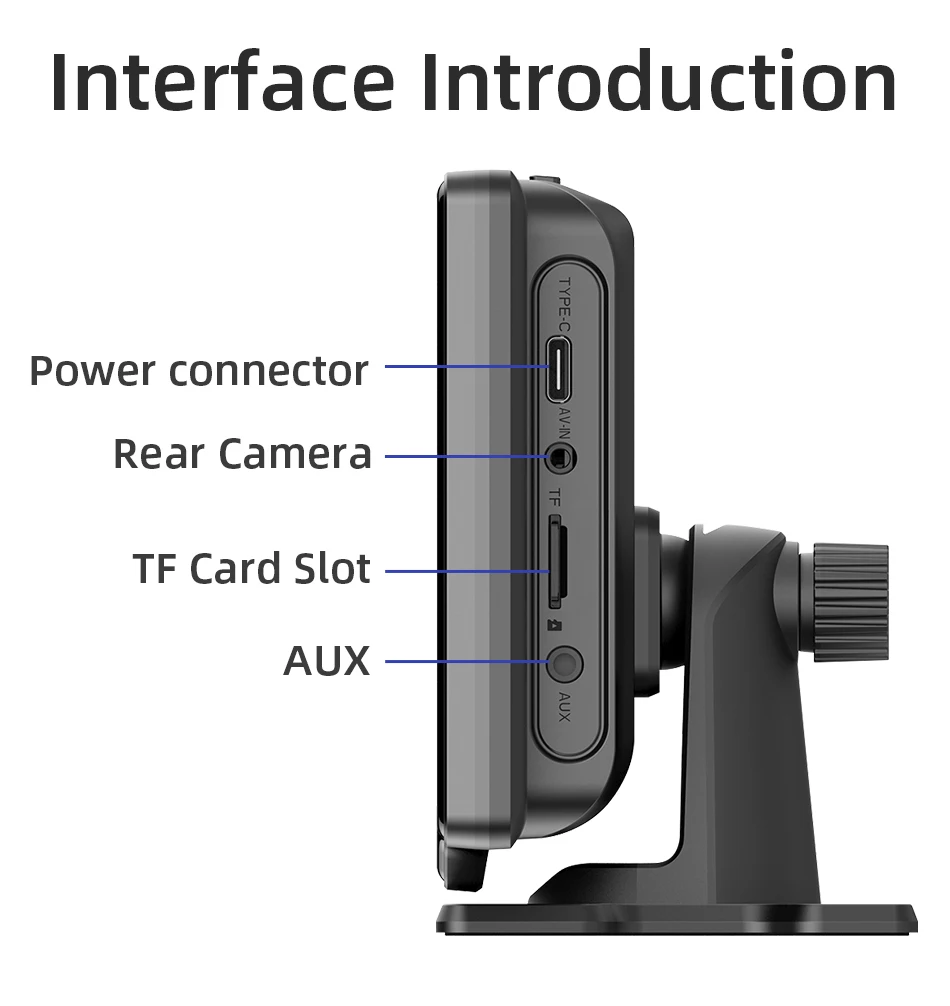
Built-in speaker and AUX interface. This vehicle display is equipped with a built-in speaker. However, if you desire a louder sound effect, you can synchronize the audio through frequency modulation and transfer it to the car’s speaker, or connect the included AUX data cable to the AUX input socket of the car.
FAQ:
Q: How to connect Carplay Android Auto features?
A: 1: Turn on the Bluetooth switch on your phone
2: Search and connect the Bluetooth of the product on the Bluetooth page of the phone.
3: Confirm Bluetooth compatibility and click agree to use Carplay and Android Auto.
4: After completing the above three steps, you can start using it
Q: Is it possible to transmit audio to the car’s speakers via Bluetooth?
A: Yes, when you connect the android auto or carplay,you can also connect the car bluetooth to listen music directly.
Q: How to sync sound via FM?
A: Choose the FM Transmitter of audio on the device, adjust the channel of the car radio to a blank station, and set the radio on the device to the same frequency as the radio on the car, the setting is complete.
Q: How to sync sound via AUX cable?
A: Find the AUX cable, then connect one end of the cable to the “AUX” port on the slide right of the device, connect the other end to the AUX-IN port on the car, and enter the AUX playback interface of the car radio to synchronize the sound – Set up.
Q: Why is the product not working properly? Repeated startup?
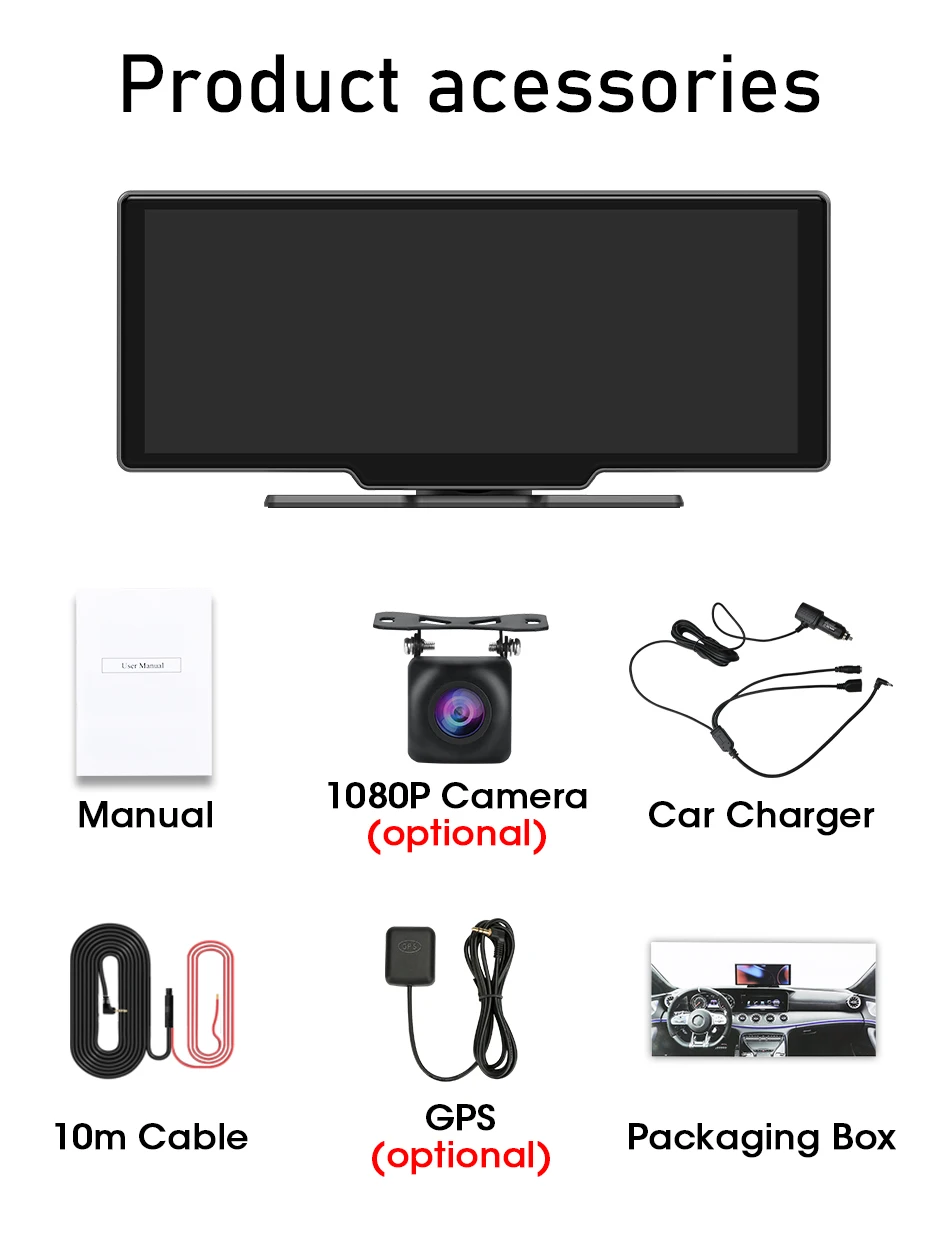
A: 1. My machine must use the original cigarette lighter power supply in the packaging box, please do not use other power cords to start it
2. The working voltage of the product is the vehicle voltage of 12v, the output voltage is 5V, and the current is 3A. Please ensure the working voltage environment and connect and start it inside the car
Q: How to use the “dual Bluetooth” function?
A: Firstly, please successfully match the Bluetooth of the phone with the product, then enter the Carplay function page, disconnect the Bluetooth connection of the phone disconnecting the Bluetooth connection will not affect the normal use of Carplay function, and finally connect the Bluetooth of the phone to the Bluetooth system of the original car radio to achieve dual Bluetooth mode.
Q: How to connect a reversing camera?
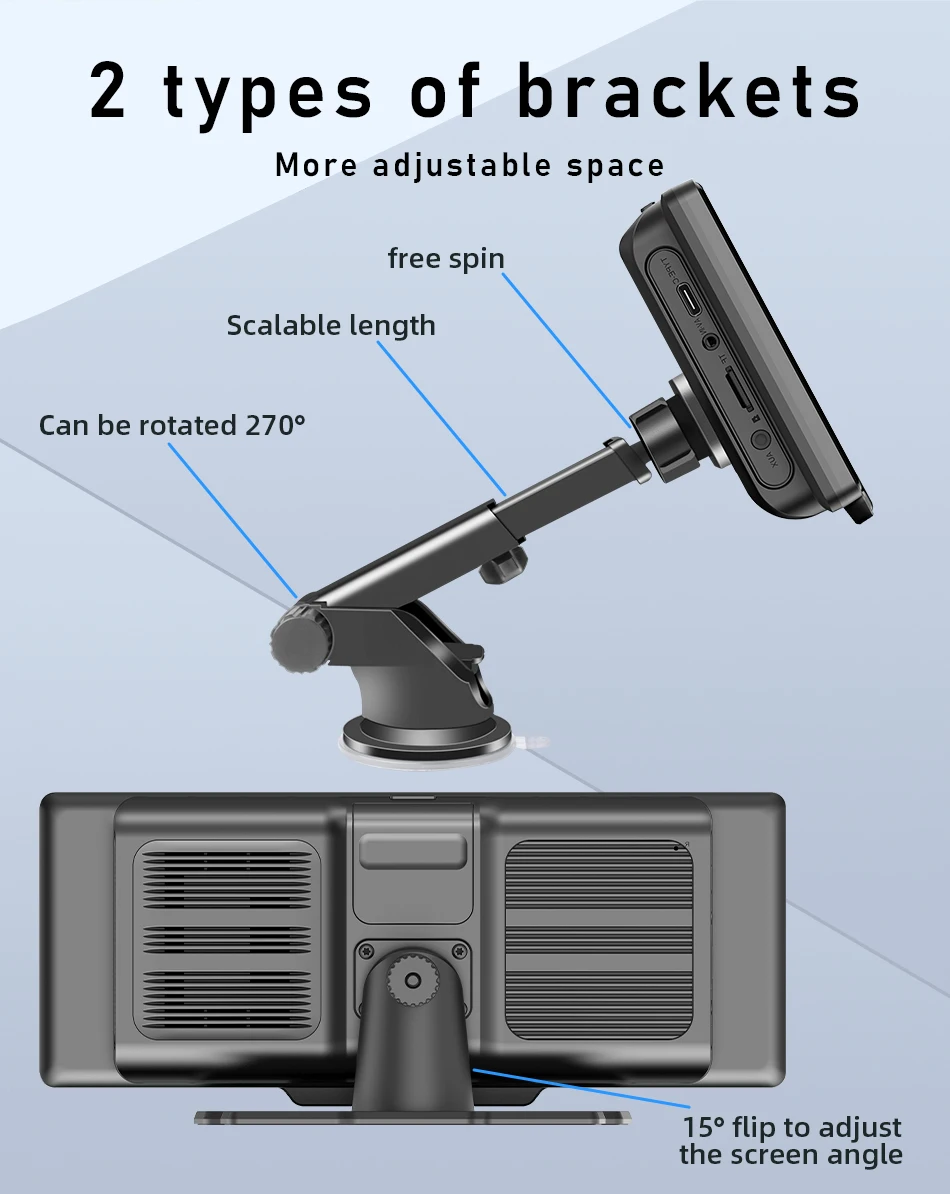
A: Please use the reversing camera provided by the product, plug the No. 2 socket into the camera AV port on the side, and then slide left and right on the screen to switch to the reversing camera screen.
(If you use other brands or models of cameras, the camera may not work properly because the camera cable definition is different and the image format is also different)
Q: Why can’t I use Carplay Android Auto even after connecting to Bluetooth?
A: For iPhone phones, please open the phone’s general settings page, which includes a “Car Play” settings page. Please go to the page to check if all the connected devices you have found are turned on.
For Android phones, some Huawei and Xiaomi phones cannot use Android automatic functions. But when using the Android auto feature, you need to download an application called “Android auto” from the app store in order to quickly connect and use the features of Android auto.
Q:What should be done when the machine fails to start?
A:After checking the cooling of the main unit, will it restart? If it does, follow the steps below to check:
1. My machine must use the original cigarette lighter power supply provided in the packaging box. Do not use other power cords, nor use the mobile phone data cable.
2. The working voltage of this product is 12 volts of car voltage, the output voltage is 5 volts, and the current is 3 amperes. Please ensure the working voltage environment and connect and start it inside the vehicle.
3. Remove the memory card, GPS and camera one by one. If the problem is solved after restarting, then it is a fault of the memory card, camera or GPS.
Q:What are the various ways of audio output?
A:Audio Output: Four audio modes are available for your selection (Speaker Mode, Carplay/Auto Mode, FM Radio Mode, AUX Mode). Speaker audio output
Speaker audio output; CarPlay/Car Connectivity: Please use your mobile phone to connect to the original car Bluetooth; AUX: Audio is output via AUX, and the volume can be adjusted in the car; FM: Connect to the FM transmitter to achieve wireless transmission on the same channel as your FM radio.
Built-in speaker and AUX interface. This vehicle display is equipped with a built-in speaker. However, if you desire a louder sound effect, you can synchronize the audio frequency and transfer it to the car’s speaker, or connect the included AUX data cable to the AUX input socket of the car.
Clicking the FM button will enable the FM transmission function: It can emit the sound of the device, which can be received by the vehicle’s radio and played through the vehicle’s speaker, thus allowing you to enjoy the same sound quality as the vehicle.
Q:How to handle it without sound?
A:There are four audio output modes: SPK (built-in speaker of the device) / FM / AUX / BT.
Only when the SPK mode is selected will the device emit sound.
If FM/AUX/BT is selected, the device will not emit sound.
If the mobile phone is connected to the car’s Bluetooth, then in the audio output interface, select the corresponding BT output
Q:There is noise and the sound quality is poor. How should we deal with it?
A:Some models have AUX/FM interference issues, which are caused by signal interference or compatibility problems. It is recommended to use the latest Bluetooth audio output.
1. Click the audio output icon first;
2. Select the BT or carplay audio output mode;
3. Then connect the phone that is connected to Carplay/Android Auto to the vehicle’s Bluetooth to achieve sound synchronization.
Q:How to connect Bluetooth and Dual Bluetooth?
A:1. First, please successfully pair your mobile phone’s Bluetooth with the product.
2. Then, enter the Carplay function page and disconnect the Bluetooth connection of your mobile phone (disconnecting the Bluetooth connection will not affect the normal use of the Carplay function).
3. Finally, connect the mobile phone’s Bluetooth to the Bluetooth system of the vehicle’s radio, and you can achieve the dual Bluetooth mode.





Reviews
There are no reviews yet.